

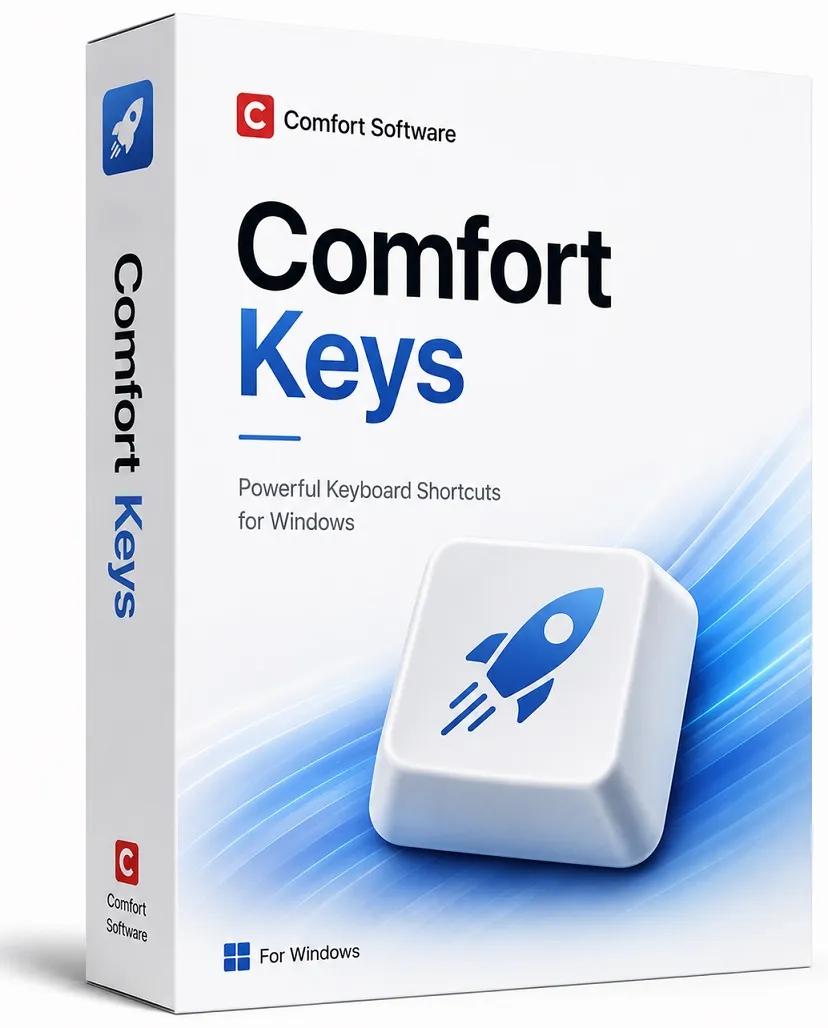
Comfort Keys Pro 9.6.2.0 Multilingual | Size: 10.92 MB
Language: English
Powerful keyboard shortcuts and text automation.
Increase your productivity with customizable hotkeys, text templates, clipboard automation, and quick actions. Comfort Keys simplifies repetitive tasks, speeds up everyday work, and provides a faster, more efficient Windows experience for professionals and power users alike.
SPEED
With this multifunctional tool, you can automate tedious and repetitive tasks. You can use keyboard macros, text templates, clipboard history, auto-text and other functions.
SIMPLICITY
No programming skills are required. Just press the hotkey and get the job done!
SUITE
This application contains a keyboard shortcut manager, an on-screen keyboard, a clipboard manager and a text template manager.
Comfort Keys Pro will help you to:
Launch programs and open web pages by pressing a single hotkey.
Insert predefined text (email templates, signatures, passwords, greetings, phone numbers, addresses, etc.) using hotkeys or the built-in template manager.
Change the input language and the selected text to uppercase, lowercase, and so on.
Control the sound volume in a quick and convenient manner.
Record key press sequences (macros) and play them back as many times as you need.
Block some keys or simulate the press of a specific key when another one is pressed.
Hotkey Manager
Setting up custom keyboard hotkeys is one of the things that saves you a lot of time every day.
It also makes working with the computer more fun.
Keyboard shortcuts configured in the program execute a command in any application or window.
When specifying keyboard shortcuts, you can use any keys including the Win and Caps Lock keys.
On-Screen Keyboard
This on-screen keyboard is great for use on ultra-mobile PCs, tablet computers, kiosks, Surface, etc.
It has additional advantages compared to the regular keyboard and is well suited for people with disabilities.
Clipboard Manager
This clipboard manager keeps the clipboard history that you can use to paste any saved fragment again.
The manager supports all clipboard formats, including text, links, images, files and all others.
Text Templates
Quickly paste frequently used phrases, signatures, dates, addresses, greetings and passwords anywhere.
The built-in text expansion function monitors your text typing and searches for a predefined phrase or key combination. When you type one of those predefined phrases, the auto-text function removes your short version and replaces it with a longer phrase without requiring you to type the entire thing, saving you loads of keystrokes and time.
You can add various macros to the phrases: keystrokes, date, time, tags for inserting random text from a predefined list, etc.
HOMEPAGE:
www.comfortsoftware.com/
rapidgator.net/file/18720bb586279e23bf2b4ad49e89d26f/Comfort_Keys_Pro_9.6.2.0_Multilingual.rar
nitroflare.com/view/11496F851F191F6/Comfort_Keys_Pro_9.6.2.0_Multilingual.rar
