

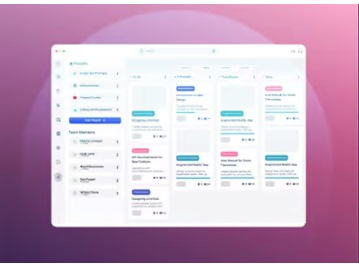
Designcode – Master Responsive Layouts In Figma
Sourasith Phomhome | Duration: 4 h | Video: H264 1920×1080 | Audio: AAC 48 kHz 2ch | 1,63 GB
| Language: English
Creating responsive layouts is a must-have skill for any UI/UX designer. With so many different devices and screen sizes, designing interfaces that look great and work well on all platforms is necessary. Mastering this skill will make you stand out in the field. In this course, we’ll start from scratch to create this beautiful design using Figma. You’ll learn how to make layouts that are easy to use and work well on any device. We’ll cover key concepts and tools to help you master responsive design in Figma.
Throughout the course, we’ll cover essential topics like Auto Layout features such as "Fill Container," "Min and Max Width," and "Wrap." You’ll also learn about Constraints, the grid system, and Breakpoints for creating adaptive layouts. By the end of this course, you’ll have the knowledge and skills to create designs that are not just responsive but truly flexible and adaptive.
rapidgator.net/file/96b486da03b30967690a9022bcf3883f/Master_Layouts_Figma.rar.html
